Train
Mono
How To Create
Create a vehicle as well as Arcade vehicle.
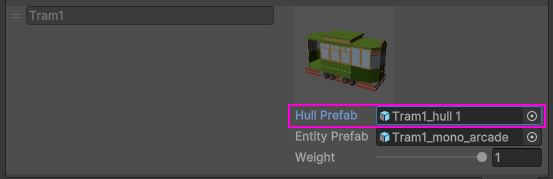
In the Traffic preset, open Hull prefab (all presets assigned in TrafficCarEntityPoolBakerRef, in this case HybridEntityMonoPhysics type).
Remove the ArcadeVehicleController component & reference to ArcadeVehicleController from the ScriptSwitcher component.
Copy paste parent & unpack prefab for all wagons.
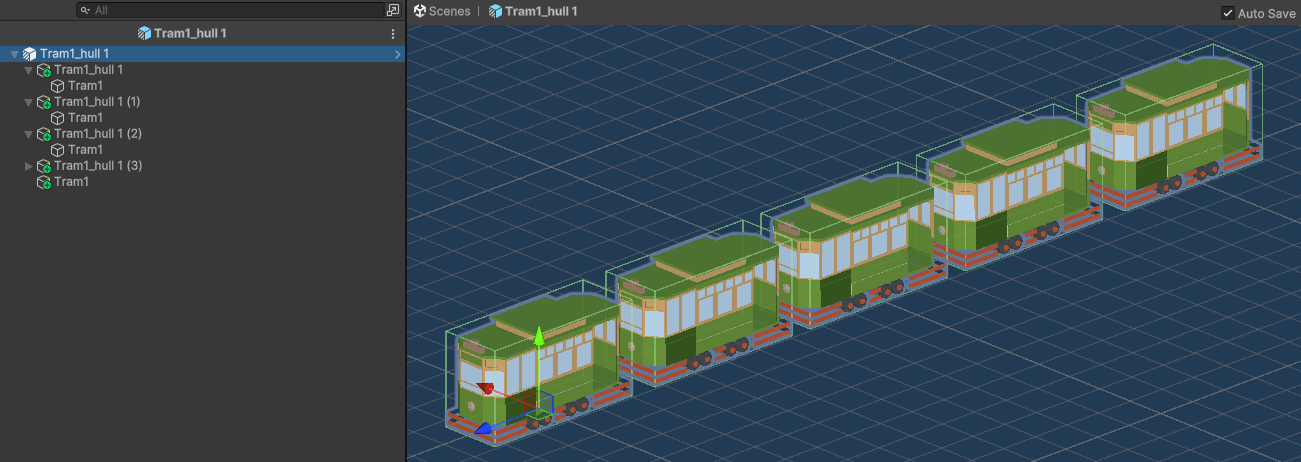
Add Train Runtime Authoring to the hull of the train.
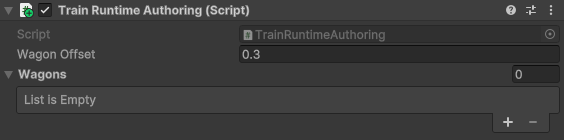
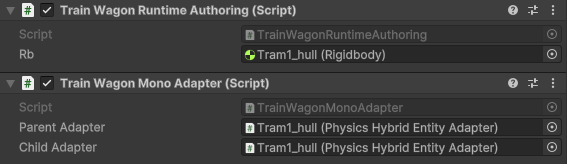
Add Train Wagon Runtime Authoring & Train Wagon Mono Adapter components to the wagons of the train.
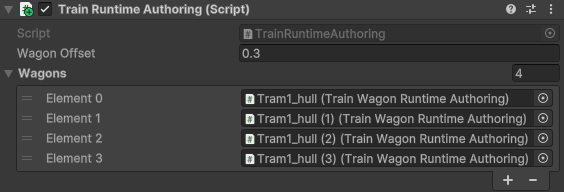
In the Train Runtime Authoring assign all wagons.
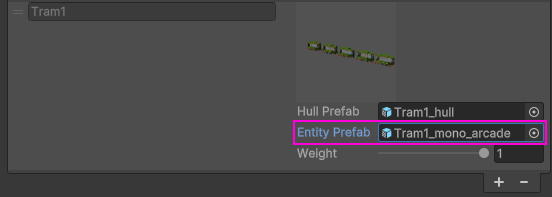
In the Traffic preset, open Entity prefab.
Add Traffic public components.
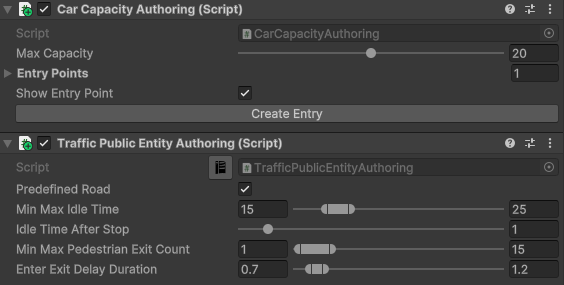
In the Car Capacity Authoring create entries for pedestrians.
Copy paste parent & unpack prefab for all wagons for entity prefab.
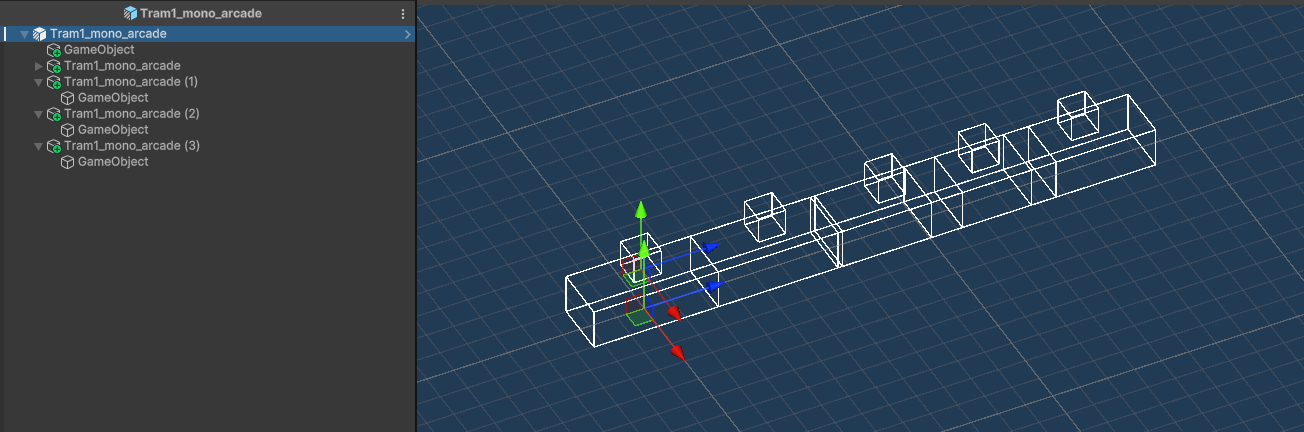
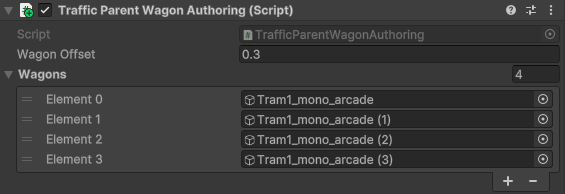
Add Traffic Parent Wagon Authoring to parent & assign created wagons.
Create a Public route & select Forbidden/Everything Traffic Group Mask for each path of the route to prevent other vehicles from spawning.
Settings
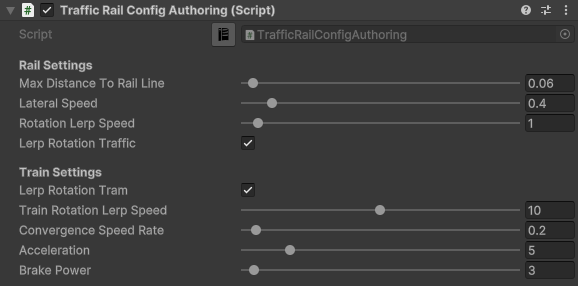
Train settings for the built-in solution can be found in Configs/TrafficCarConfigs/RailConfig/Train Settings.