Integration Cities
Integration packages allow you to quickly integrate your favourite cities into the DOTS stack. Buy, download and integrate cities in a few clicks in less than a minute.
- Integration packages contain the following items:
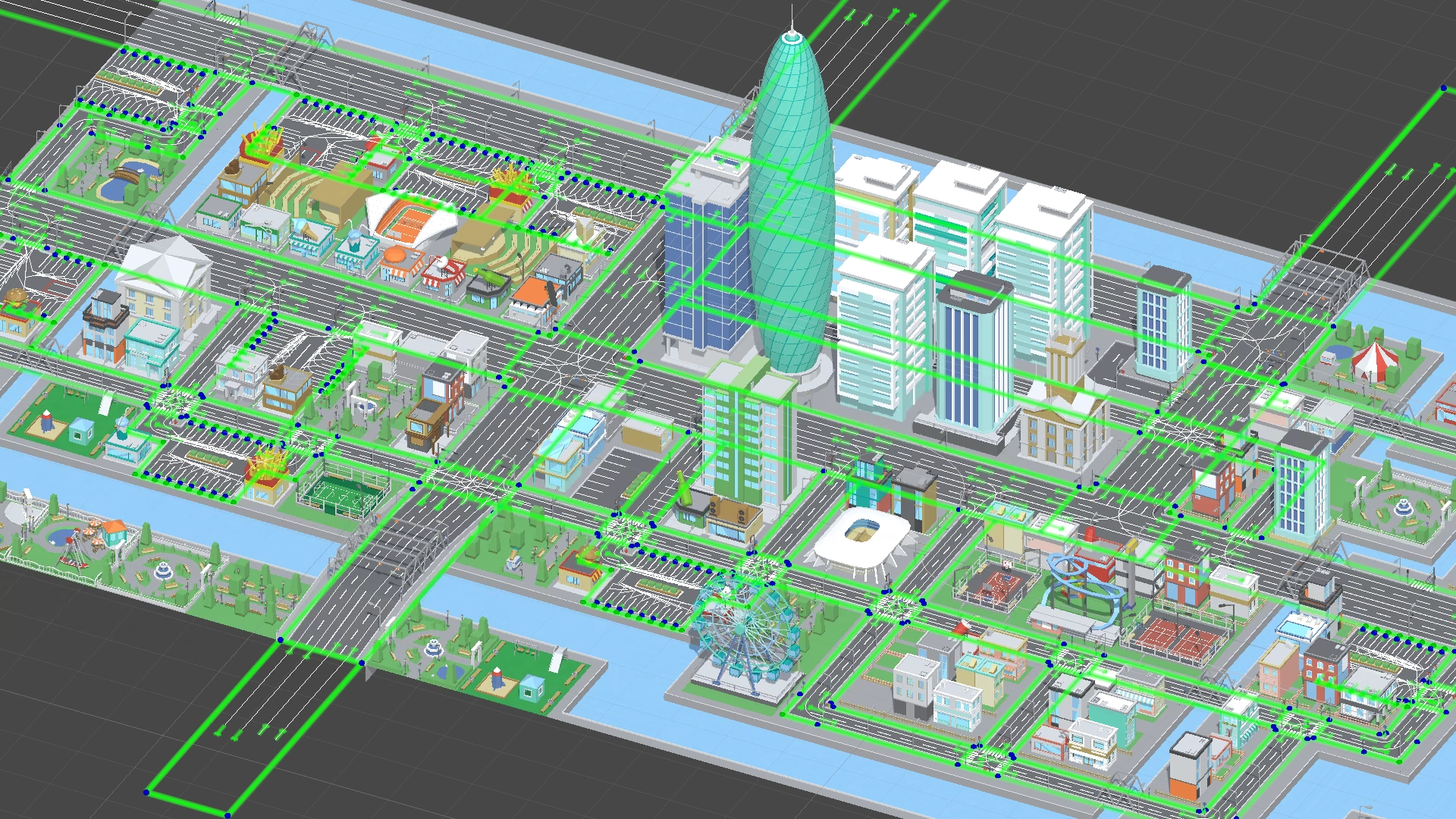
Routes for traffic are fully configured.
Routes for pedestrians are fully configured.
Automatic configuration of vehicles and their integration into the city.
Automatic configuration of pedestrian and their integration into the city.
Polygon City
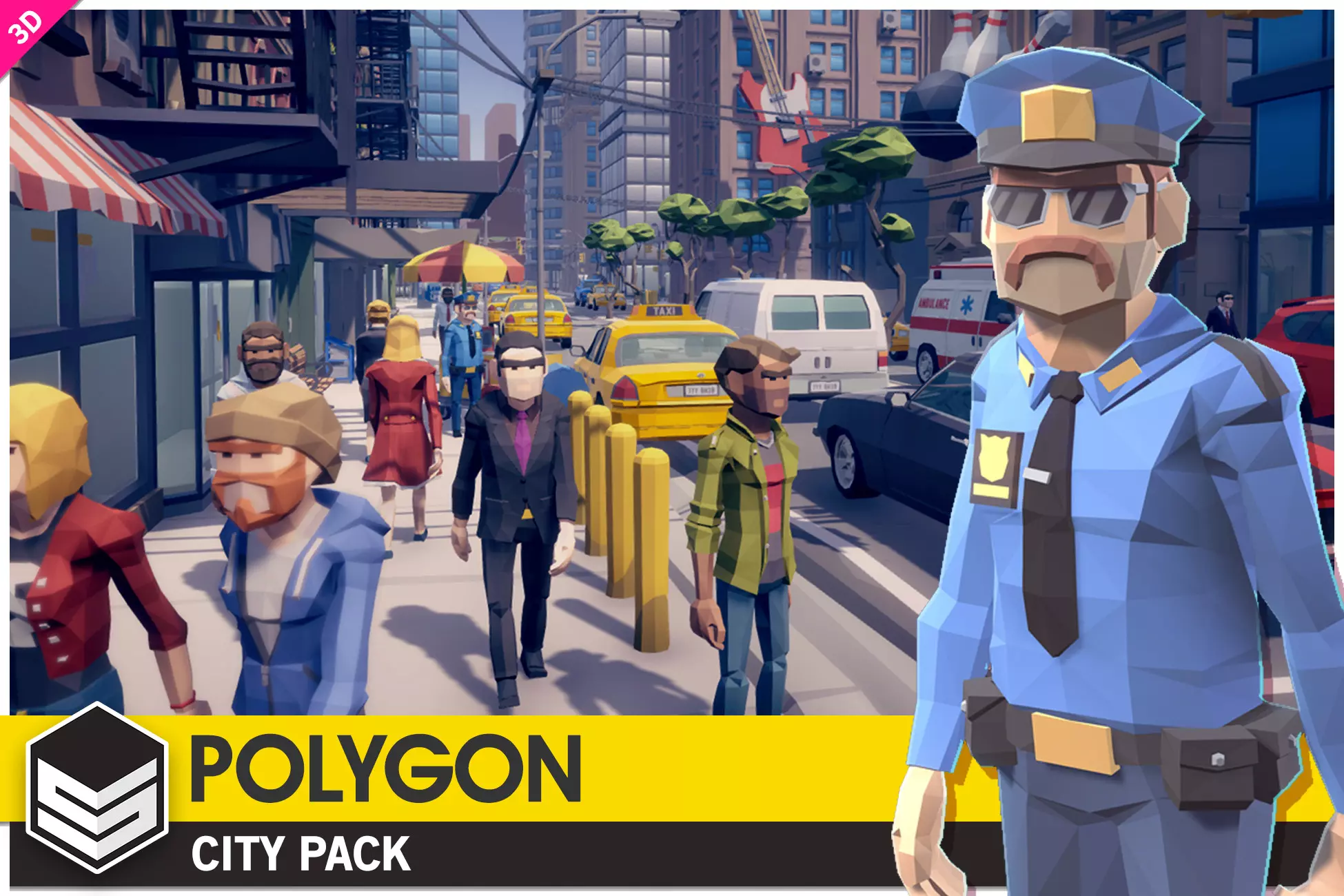
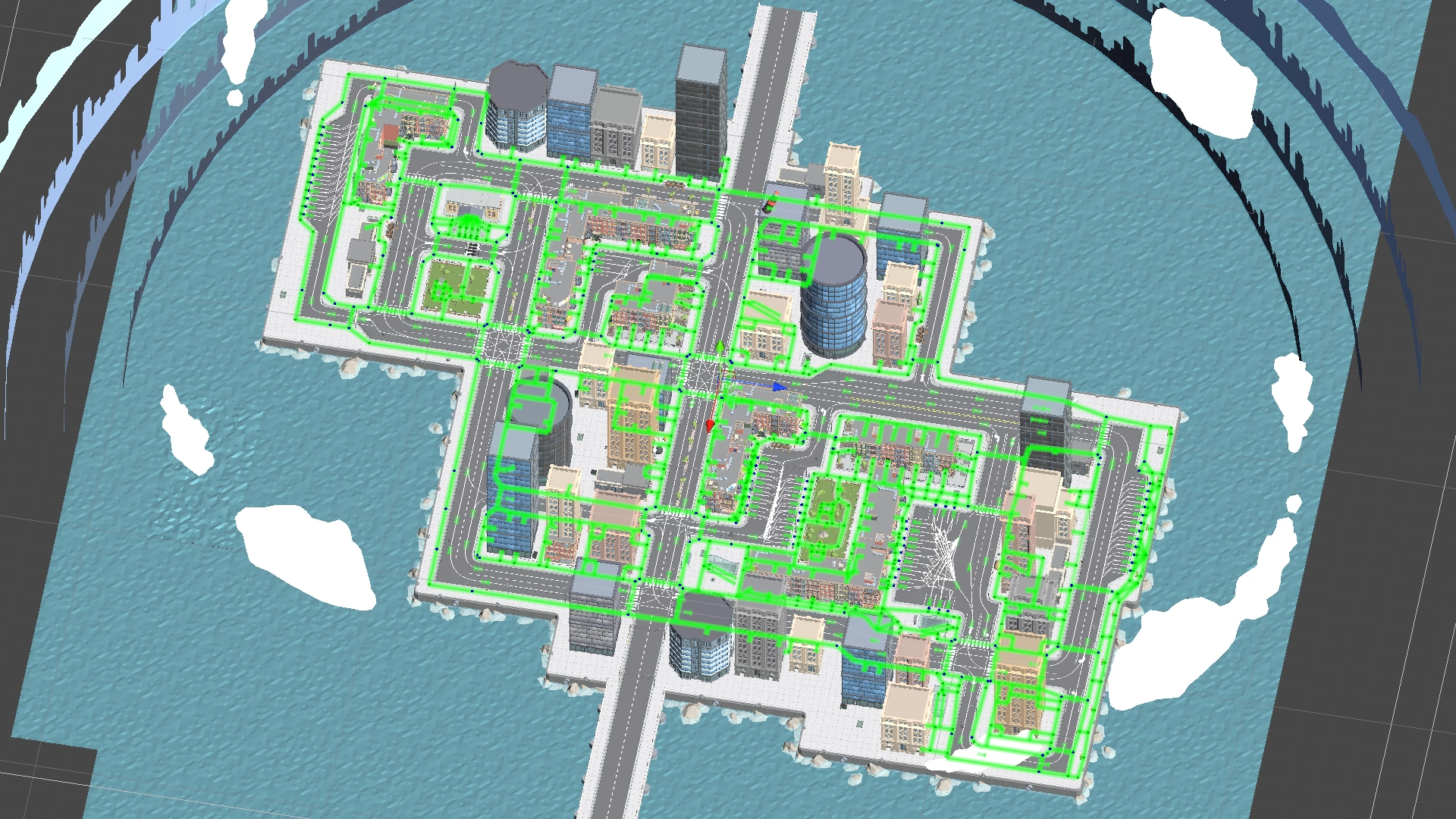
How To Use
Buy & download, import the following asset package:
Open the demo scene: PolygonCity/Scenes/Demo.
Unpack the DotsCity/Integrations/PolygonCity/PolygonCity_Integration package.
Open the PolygonCity/DotsTemplate/PolygonCity_Integration asset.
Click Integrate button.
Launch the scene.
Enjoy.
Toon City
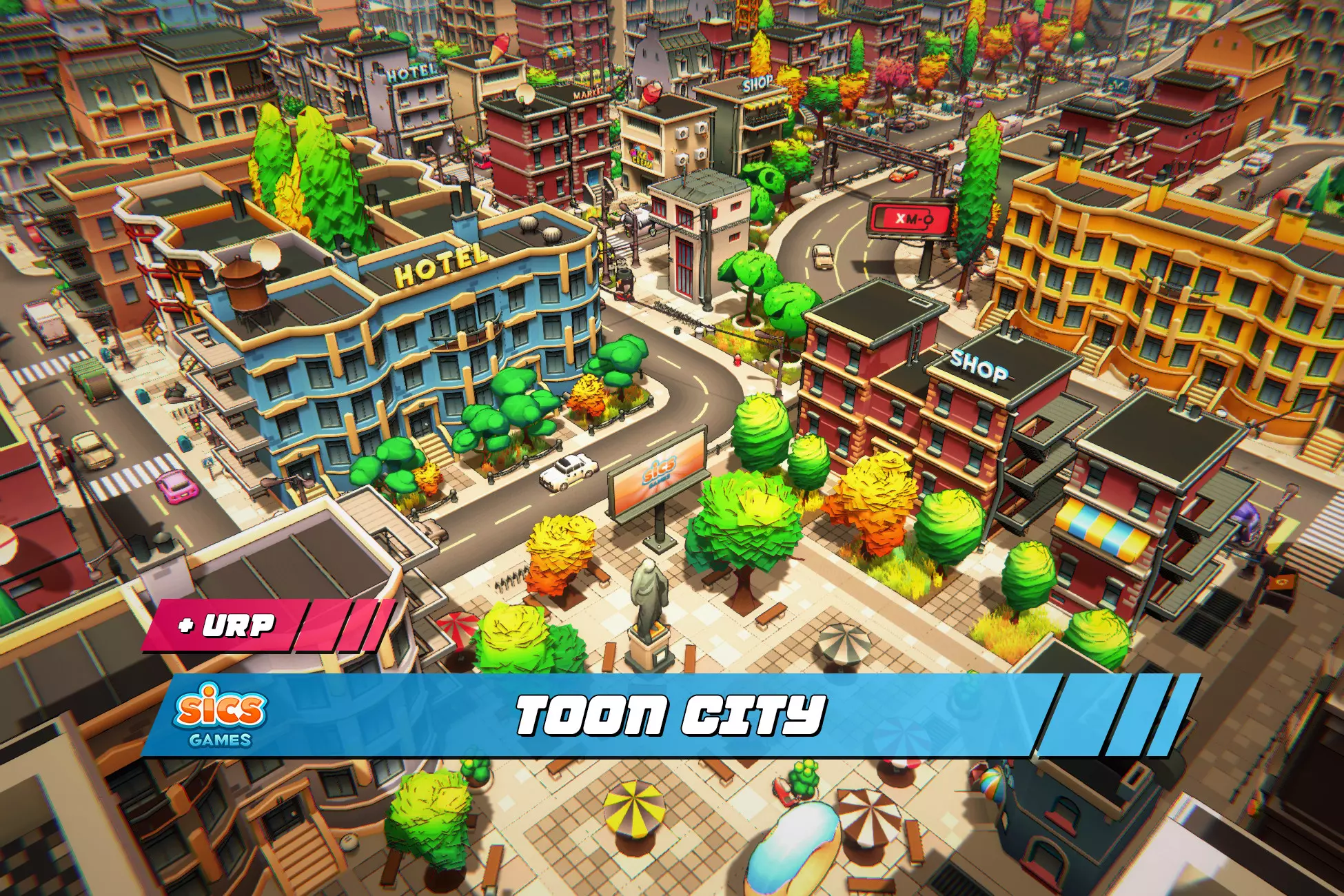
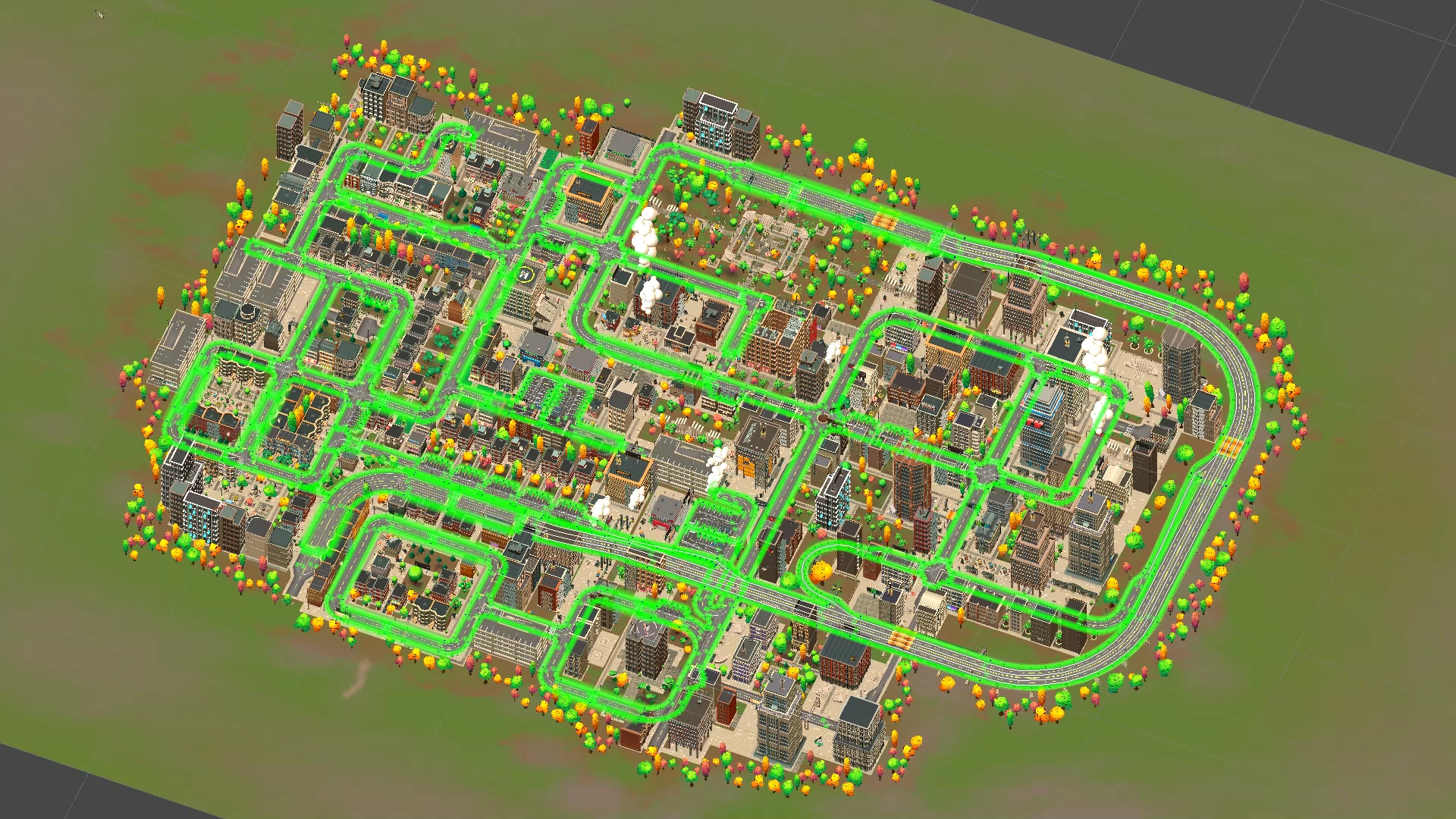
How To Use
Buy & download, import the following asset package:
Unpack URP package Toon City/URP_Install_Toon City_202*.
Open the demo scene: Toon City/Scenes/Demo_Scene_1.
Unpack the DotsCity/Integrations/Toon City/Toon City_Integration package.
Open the Toon City/DotsTemplate/Toon City_Integration asset.
Click the Integrate button.
Launch the scene.
Enjoy.
City Pack 1
How To Use
Buy & download, import the following asset package:
Open the demo scene: City_Pack_1/Scenes/City_Demonstration.
Unpack the DotsCity/Integrations/City_Pack_1/City_Pack_1_Integration package.
Open the City_Pack_1/DotsTemplate/City_Pack_1_Integration asset.
Click the Integrate button.
Launch the scene.
Enjoy.