Pedestrian Test Scene
How To Use
Create pedestrian nodes & connect them.
Create a parent GameObject and add the Pedestrian Local Spawner component.
In the created component, press the Show scene buttons.
Select the pedestrian nodes in the scene where you want the pedestrians to spawn.
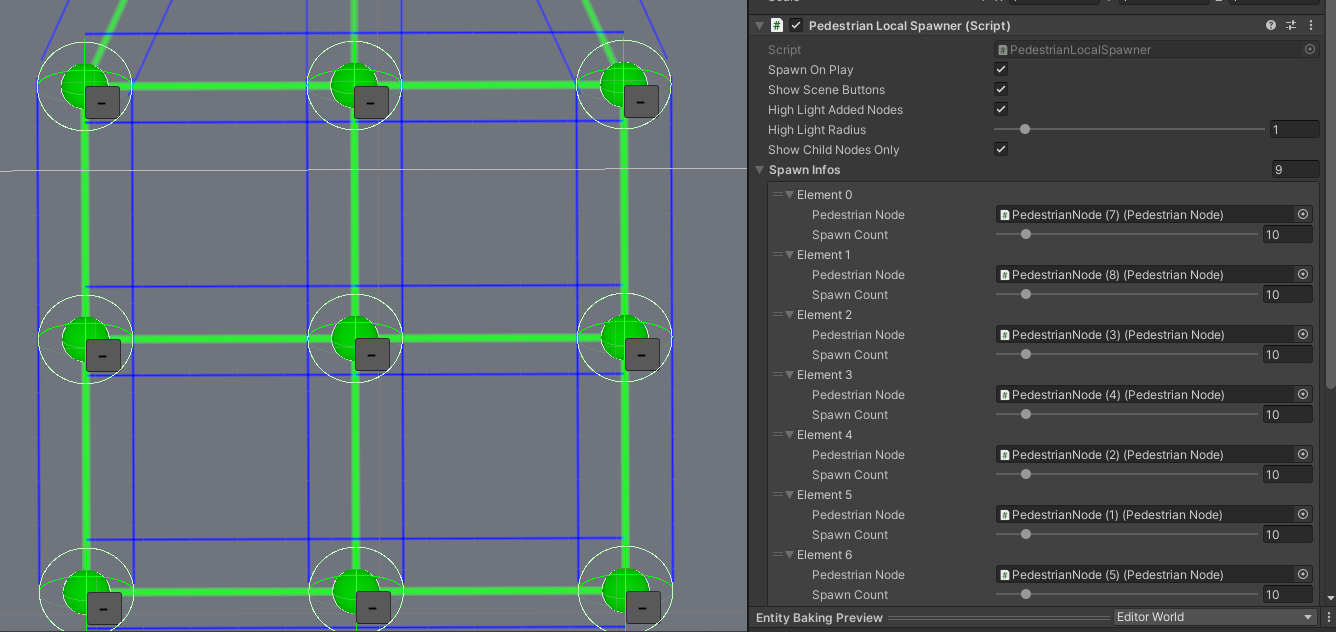
Selection example.
Adjust the Spawn count.
Start the scene.
Click on the Spawn button in the component.
Learn more about the Pedestrian Local Spawner settings.
Pedestrian Local Spawner

Common settings
Spawn info
Test Cases
Walking Test
Test case to test the walking parameters.
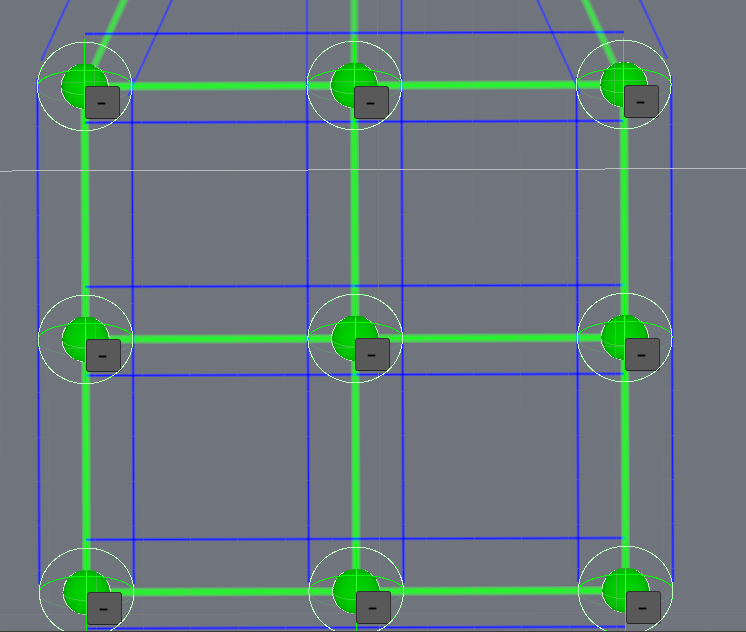
Source nodes.
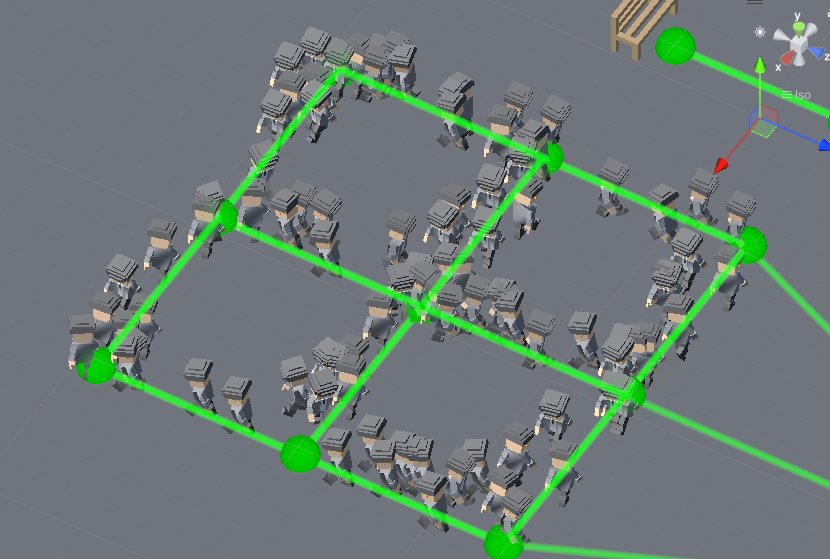
Result.
TalkArea Test
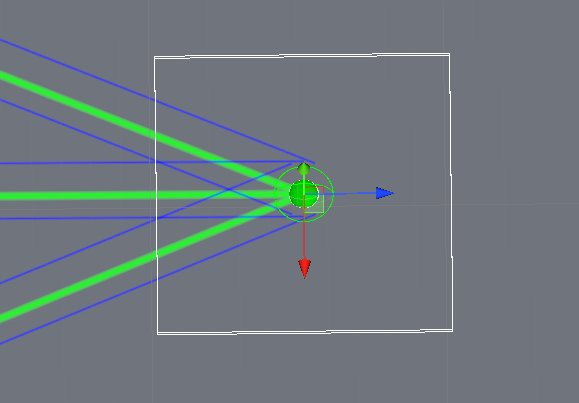
Source node.
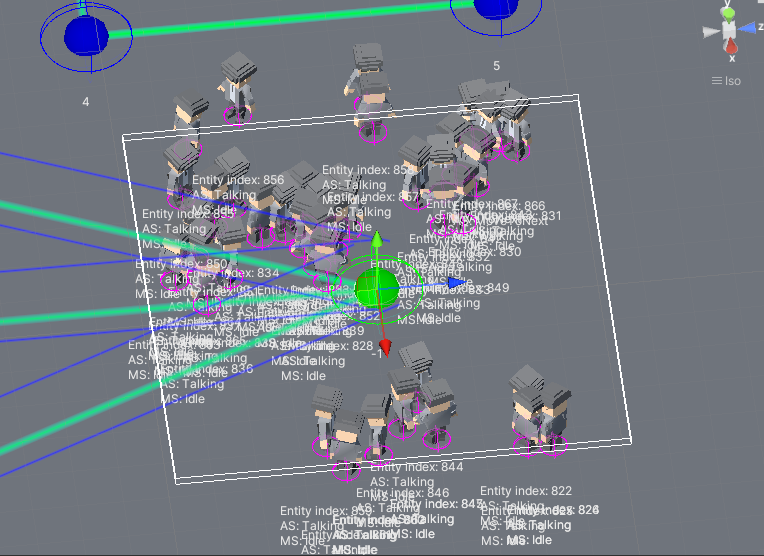
Result.
Crossroad Test
Test case of pedestrians waiting at traffic lights and crossing the crossroad.
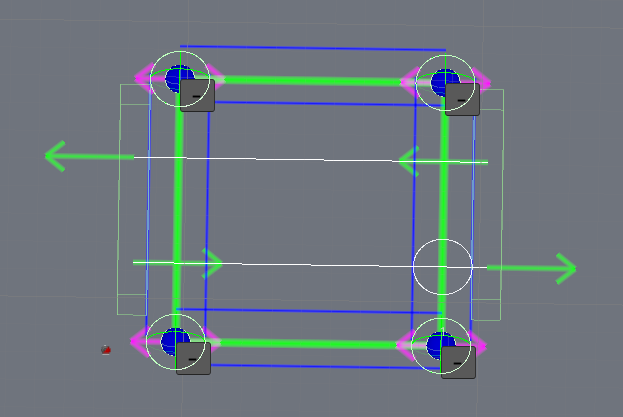
Source nodes.

Traffic waiting.

Crossing the road.
Bench Test
Test case to test bench seating.
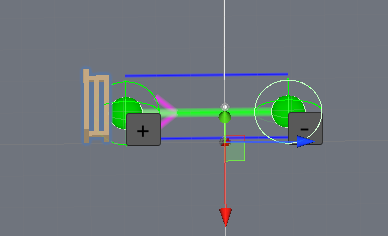
Source nodes.
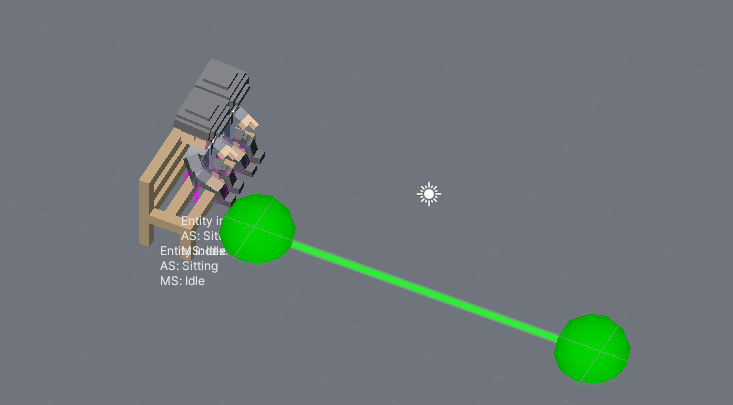
Result.
House & Idle Test
Test case for idling and entering the house.
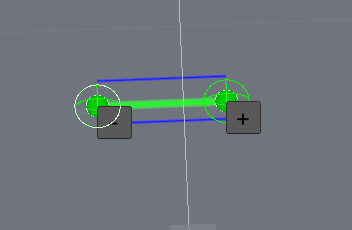
Source nodes.
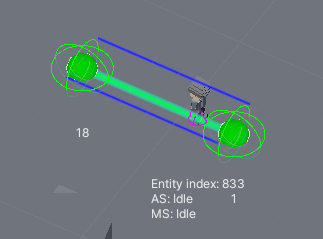
Result.
Navigation Test
Test case for navigation. Red circle navigation is disabled. Green circle navigation is enabled.
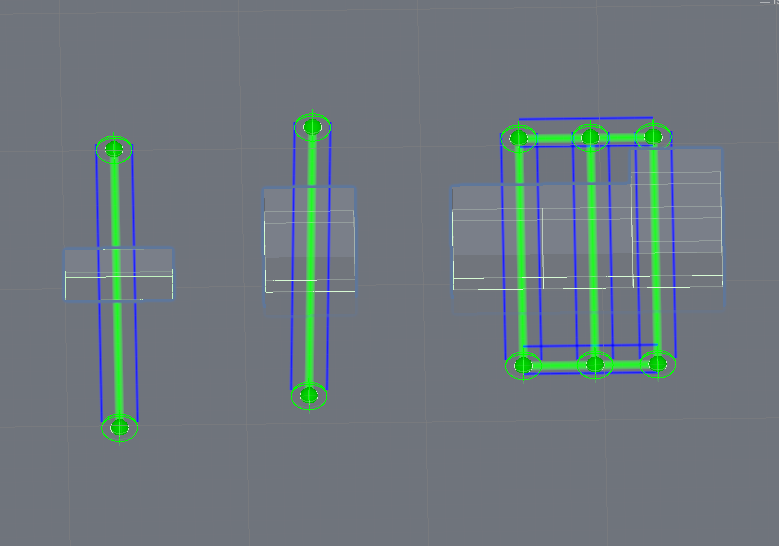
Source nodes.

Local avoidance example.

NavMesh navigating example.