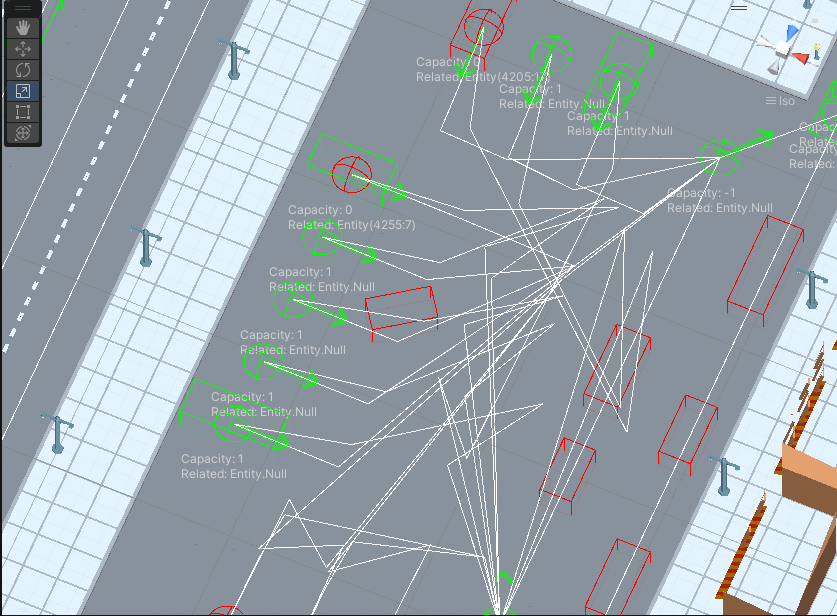
Traffic Node Debug
Traffic Node Data Viewer
Tool for finding traffic nodes with filtering of selected parameters that differ from prefab.
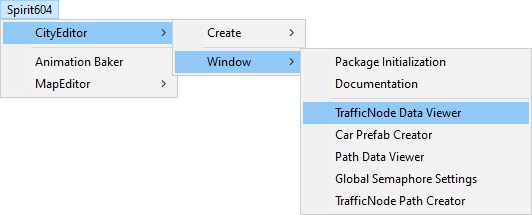
How To Open
In the Unity toolbar:
Spirit604/CityEditor/Window/TrafficNode Data Viewer
How To Filter
Enable Filter node data option.
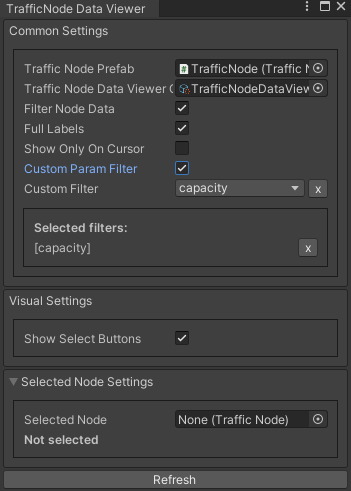
If you need to filter by a selected parameter enable Custom param filter and add desired parameters.
Settings
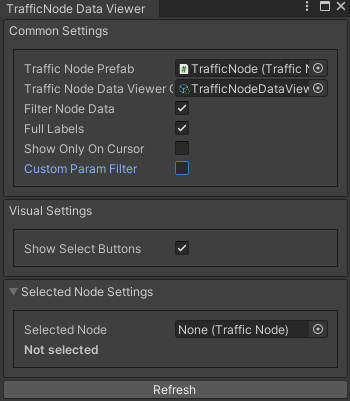
Traffic node prefab : traffic node source prefab for comparison.
Traffic node data viewer : internal filter settings.
Filter node data : on/off filtering
Full labels : show full setting labels.
Show only on cursor : show node traffic data only when the cursor is hovering.
Custom param filter : node filtering by selected parameters.
Show select buttons : on/off select buttons in the scene.
Selected node : settings for the selected traffic node (here you can quickly tweak the settings).
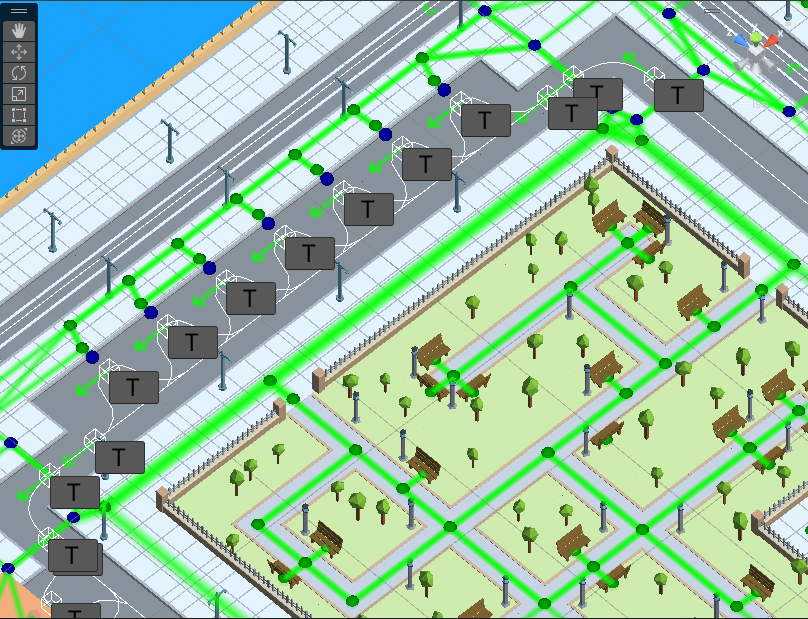
Filtering disabled.
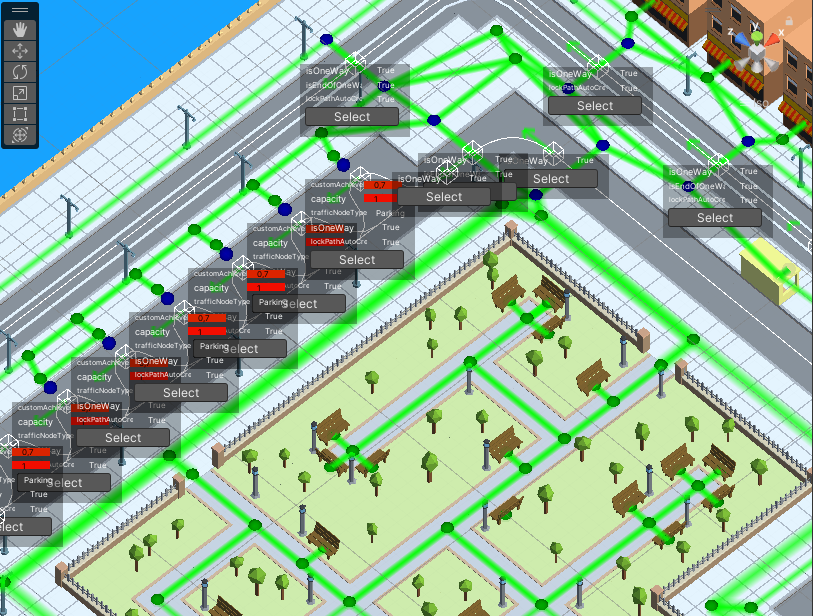
All parameters filtering enabled example.
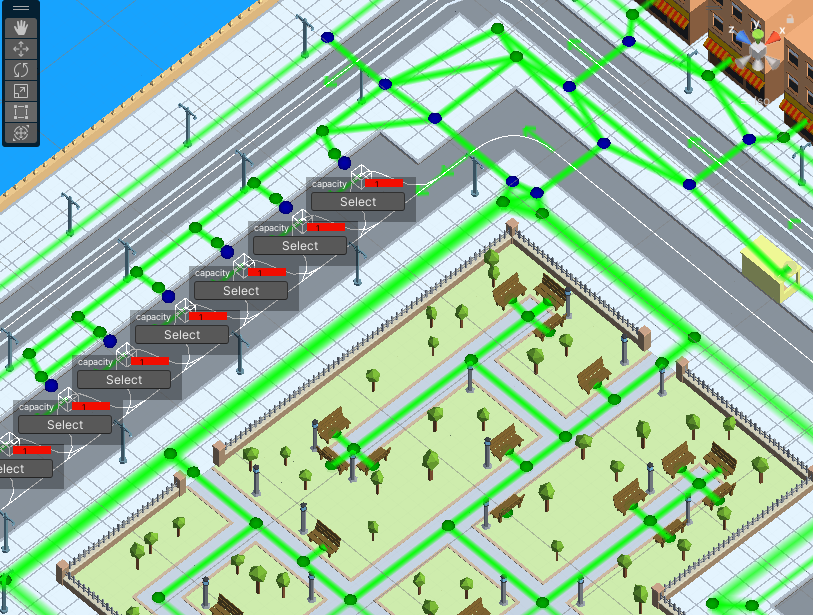
Filtering by “capacity” example.
Traffic Node Debug
For debugging traffic node entities in runtime.

Index Debug
Shows the node index. For example: 450 (E: 3308) - [local index for spawning a vehicle] [entity index].
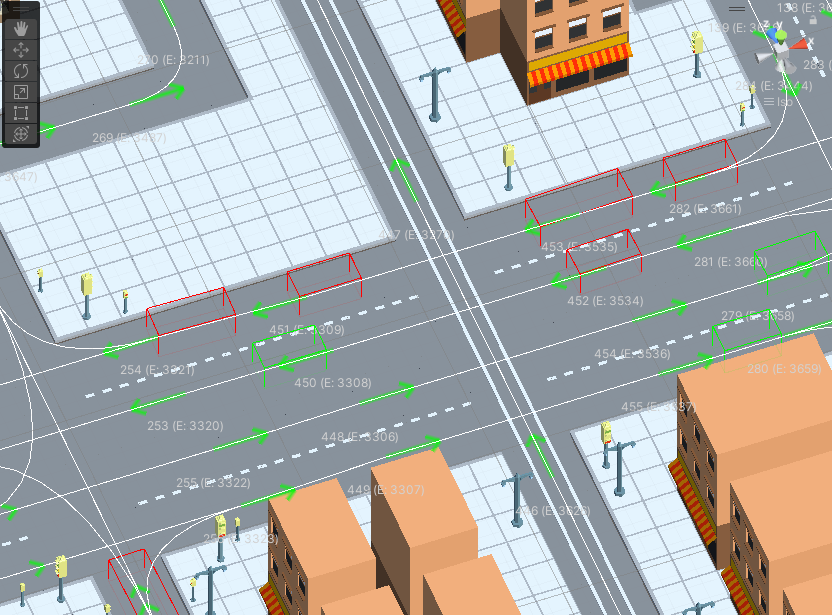
Available Debug
Shows the availability of a node for spawning.
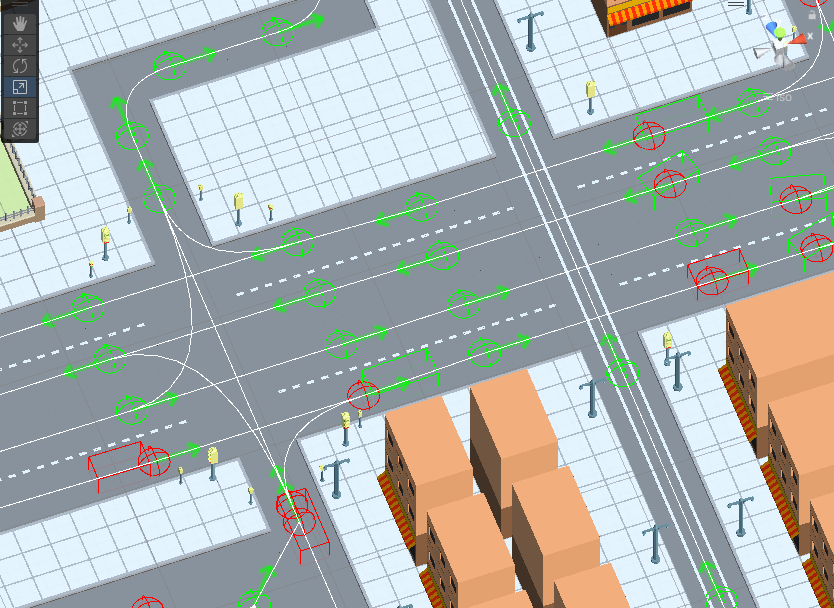
Light State Debug
Shows light state node traffic.
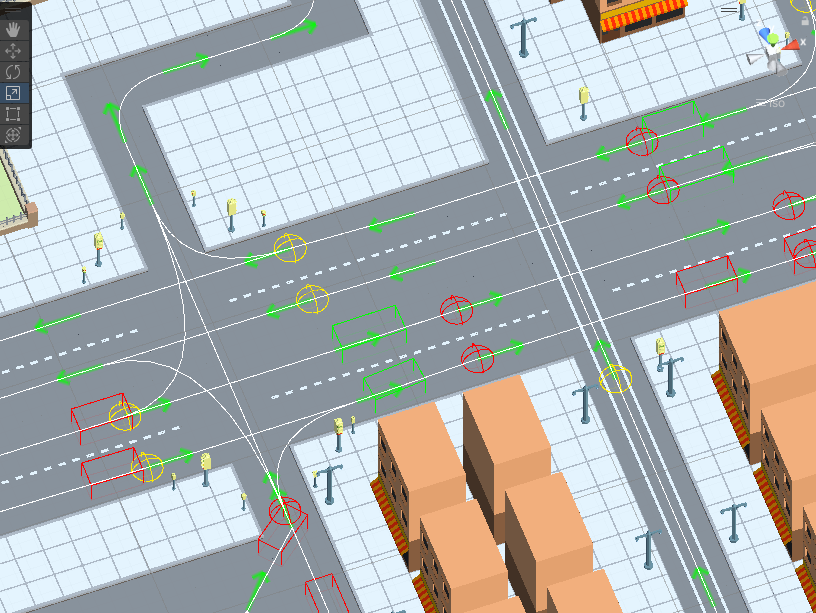
Capacity Debug
Shows the capacity of the node and the linked vehicle.