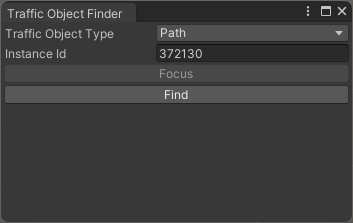
Traffic Object Finder
Tool for finding traffic objects in the scene by InstanceID for troubleshooting.
Available Types
How To Open
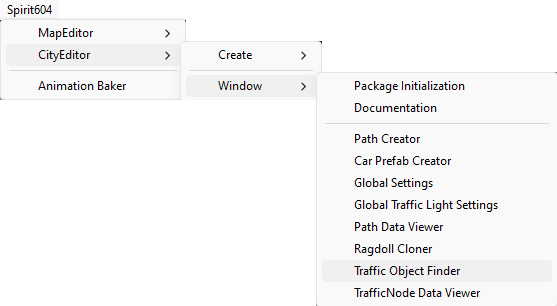
In the Unity toolbar:
Spirit604/CityEditor/Window/Traffic Object Finder
Tool for finding traffic objects in the scene by InstanceID for troubleshooting.
In the Unity toolbar:
Spirit604/CityEditor/Window/Traffic Object Finder