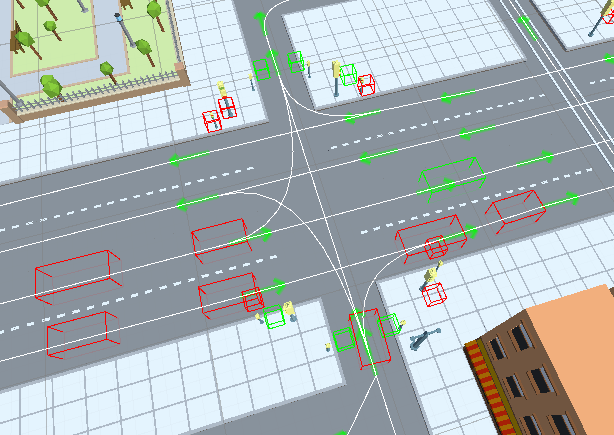
Traffic Debug
How To Open
On the scene select:
CityDebugger/TrafficDebugger/
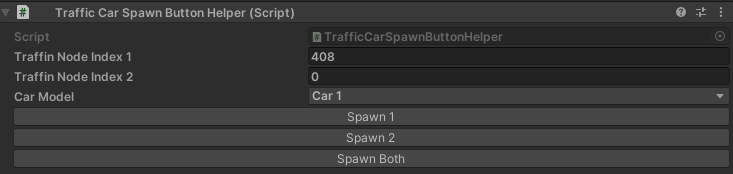
Traffic Spawn Button Helper
For manual spawn of a car by the selected index.
Traffic Debugger
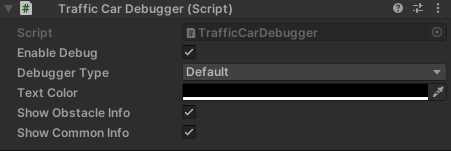
Debugger Type
Default
Target
Shows the target position of the vehicle.
Approach speed
Shows the vehicle’s approach speed.
State
Shows the state of the vehicle.
Idle State
Shows the reason for the vehicle’s idle state.
Target index
Shows the target indexes of the vehicle.
Path index
Shows the global path index of the vehicle.
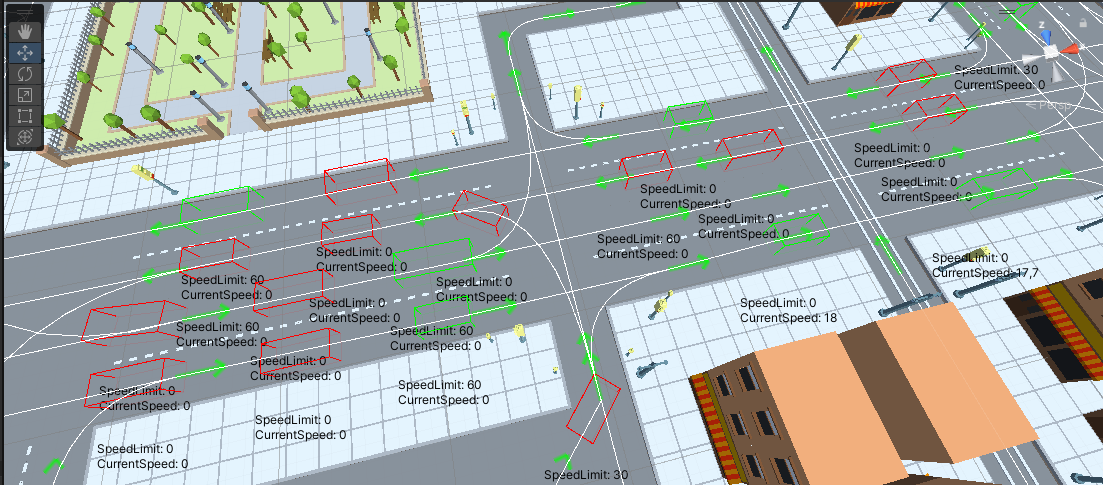
Speed limit
Shows the current speed and the speed limit of the vehicle.
Change lane
Shows the change lane point on the lane in the scene.
Collision
Shows the collision direction of the vehicle.
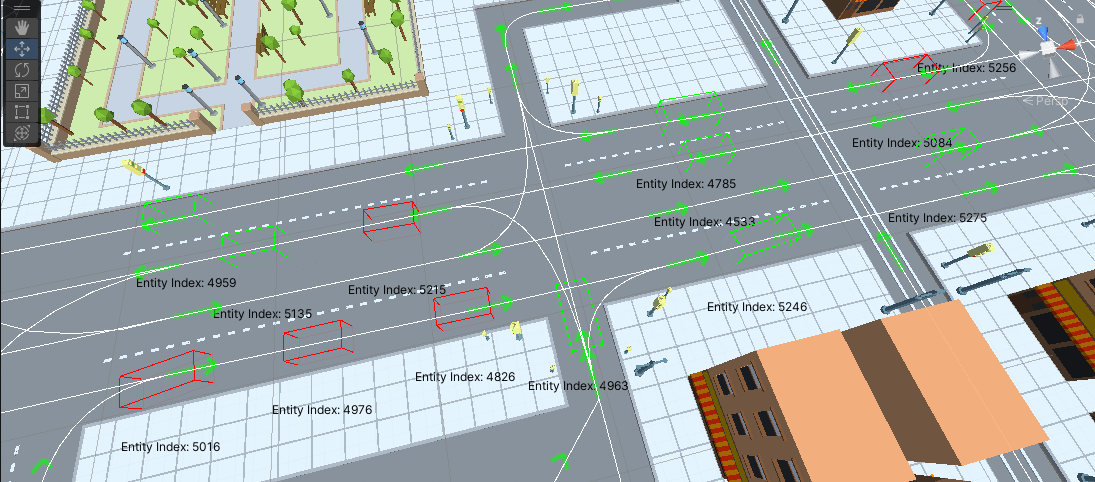
Obstacle
Shows the obstacle entity & obstacle reason type of the vehicle.
- Obstacle reason type:
Undefined
DefaultPath : default obstacle in the current path or next connected path of the vehicle.
NeighborPath : obstacle on neighbouring paths, that starts from the current path.
JamCase_1 : the vehicle stays at the entrance of the crossroad & doesn’t enter to avoid traffic jams.
FewChangeLaneCars : obstacle when the current vehicle and the obstacle vehicle change lanes at the same time.
ChangingLane : the obstacle vehicle changes lanes to the lane of the current vehicle.
Intersect_1_TargetCarCloseToIntersectPoint : target obstacle vehicle too close to intersection of two paths (both vehicles are close, but the target vehicle is closer).
Intersect_2_TargetCarCloseToIntersectPoint : target obstacle vehicle too close to intersection of two paths (only target vehicle is too close).
Intersect_3_OtherHasPriority : vehicles meeting at an intersection of two paths have different priorities, with the higher priority vehicle passing first (unless the vehicle is too close to the intersection).
Intersect_4_SamePriority : vehicles that meet at an intersection of two paths have the same priority, whichever vehicle is closer to the intersection that passes first.
No target
Shows the list of vehicles without a destination.
Settings
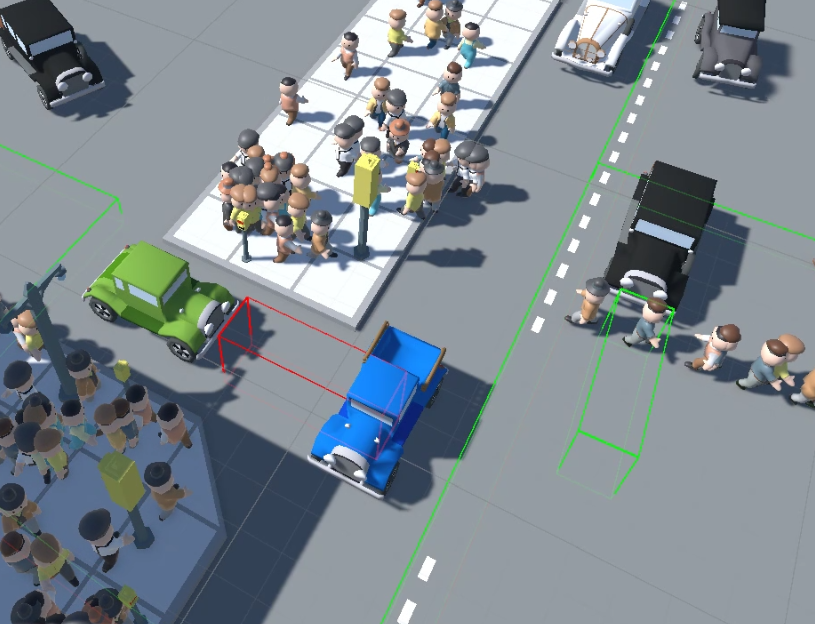
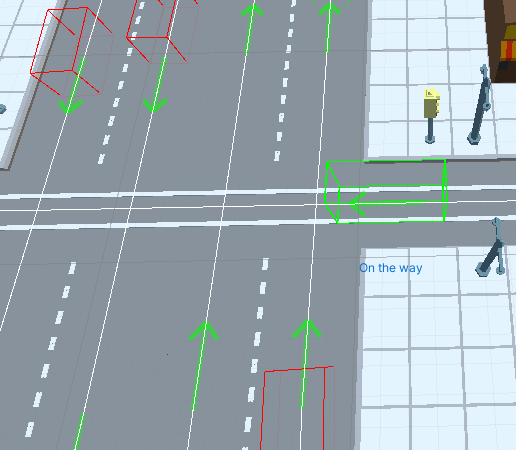
Traffic Raycast Debugger
Shows the raycast box of the car. (Config) (info)

Example
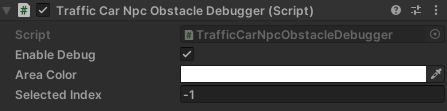
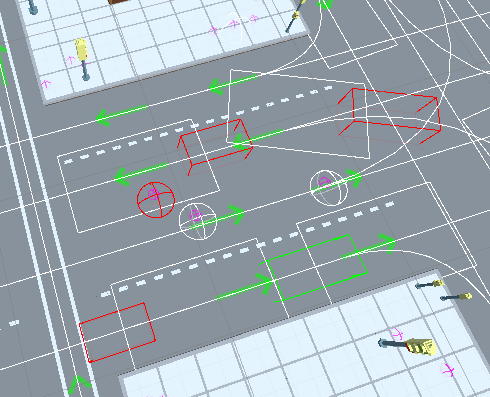
Traffic NpcObstacle Debugger
Shows the calculation area and the vehicle’s obstacle NPCs.
Example
Traffic Public Debugger
Shows public transport traffic data.

Example
Traffic Light Debugger
Shows the state of traffic light objects.