Vehicle Collection
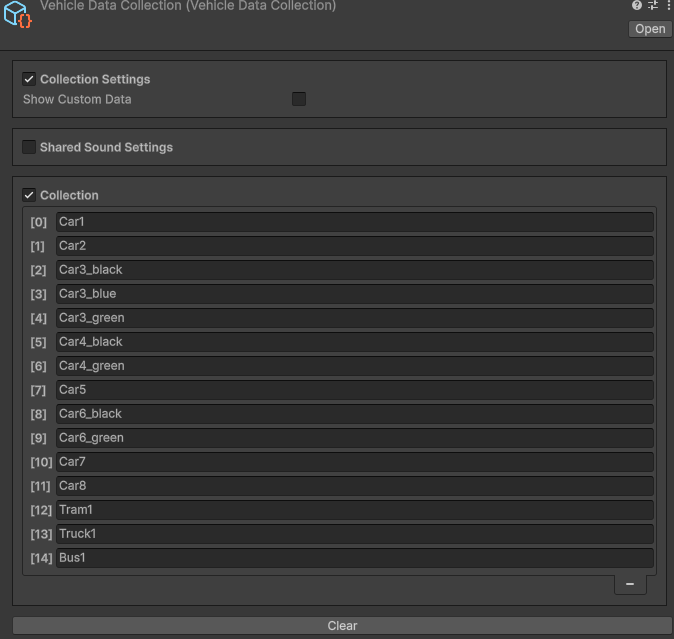
The Vehicle collection contains data on all vehicles in the city and their shared settings.
Entity Conversion
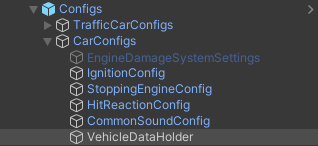
Vehicle collection assigned to the VehicleDataHolder and converted in the EntitySubScene subscene.
How To
Add To Collection
Vehicles can only be added to the collection using the Car Prefab Creator tool.
Override Settings
Steps
Tick on Show Custom Data.

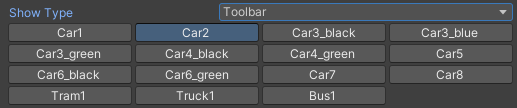
Change Show Type to Toolbar.

Select desired vehicle.
Select the Settings Type to Custom Engine and Custom Sound (if you want to override both).
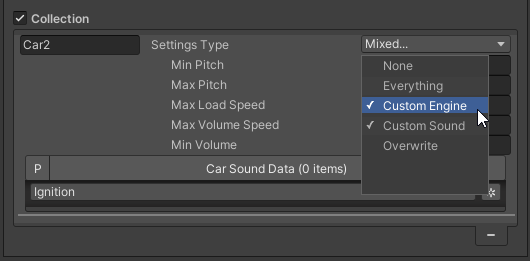
Customize custom sound settings.
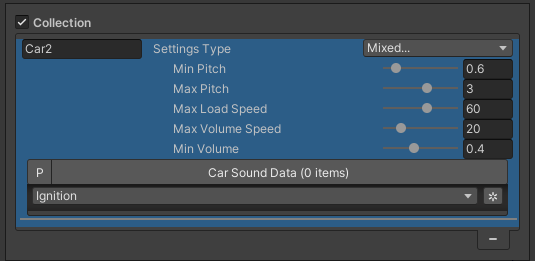
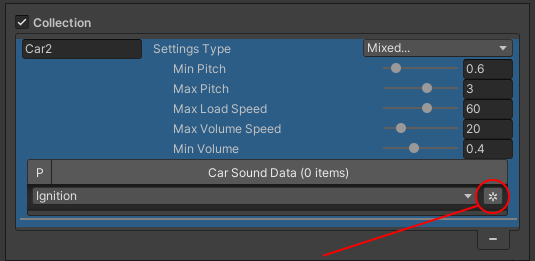
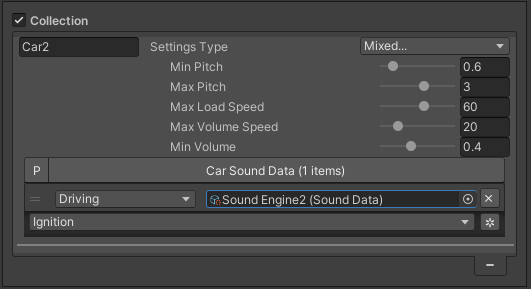
Add custom sounds.
Unique ID
Car Model
Note
You can change the CarModel name at any time in the Collection tab.
Car Model Index
Sound Settings
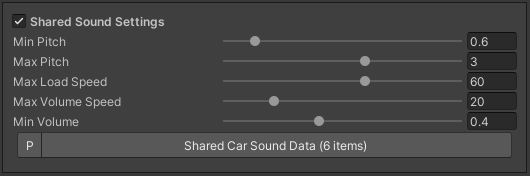
Sounds
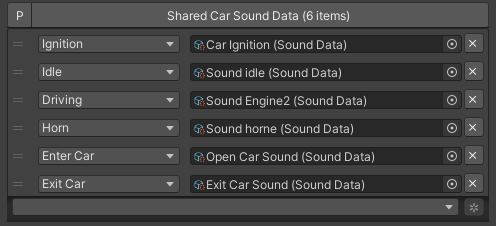
Ignition : playback during engine start of the vehicle.
Idle : idle sound of the vehicle.
Horn : plays when the horn of the vehicle is active.
Driving : plays when npc driving the vehicle.
Horn : plays when the horn of the vehicle is active.
Note
If you want to provide your own custom sound logic for traffic, you can enable the Force custom traffic sound option in the Common Sound Config.
Additionally, you can configure vehicle sounds to be enabled by distance instead of culling layers by setting the Sound culling type to By Distance in the Car Common Sound Config.