Demo City
Getting Started
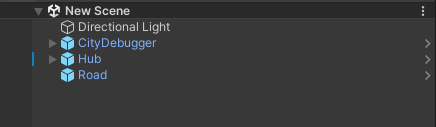
Initial scene example:
Create a SpawnPoint object (any transform) in the scene where you want the player to spawn & assign it to PlayerSpawner.

Scene hierarchy example.
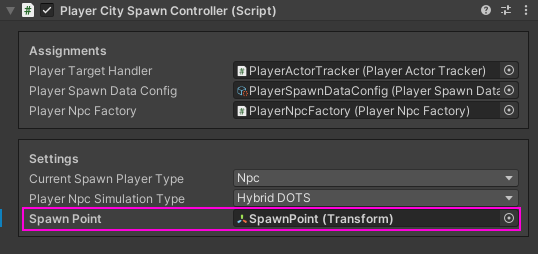
Component example.
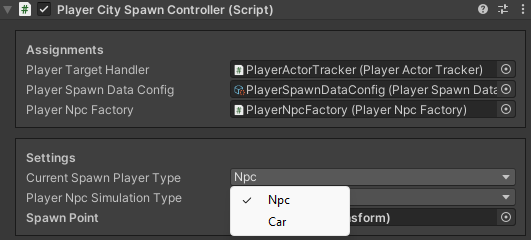
In the PlayerSpawner select which type of player you want to spawn first, NPC or Car.
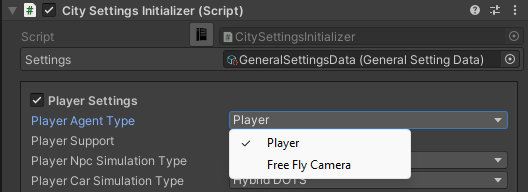
Select the Player agent type in the General Settings to spawn the Player or the Free fly camera.
If you want to add your own player, read here, otherwise you can use the temporary built-in Player Character & Player car [optional step].
Set desired local position of Cull point & Culling distances at which road objects, traffic, pedestrians etc. will be activated.
By default, the cull point is the child in the Main Camera City, but if you want to use your own player & camera: [optional step]

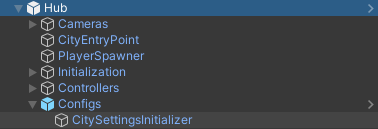
Select CitySettingsInitializer on the scene:
Set the Player controller type to Custom in the General Settings config.
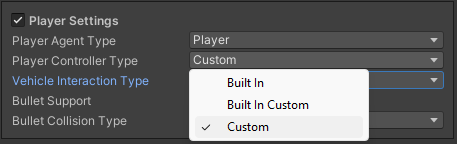
Disable the Main Camera City.

Create a new gameobject, add a CullPointRuntimeAuthoring component & add this object by child to your camera (set local position to zero) or add it to the scene not too far from the roads, if the camera is not yet created.
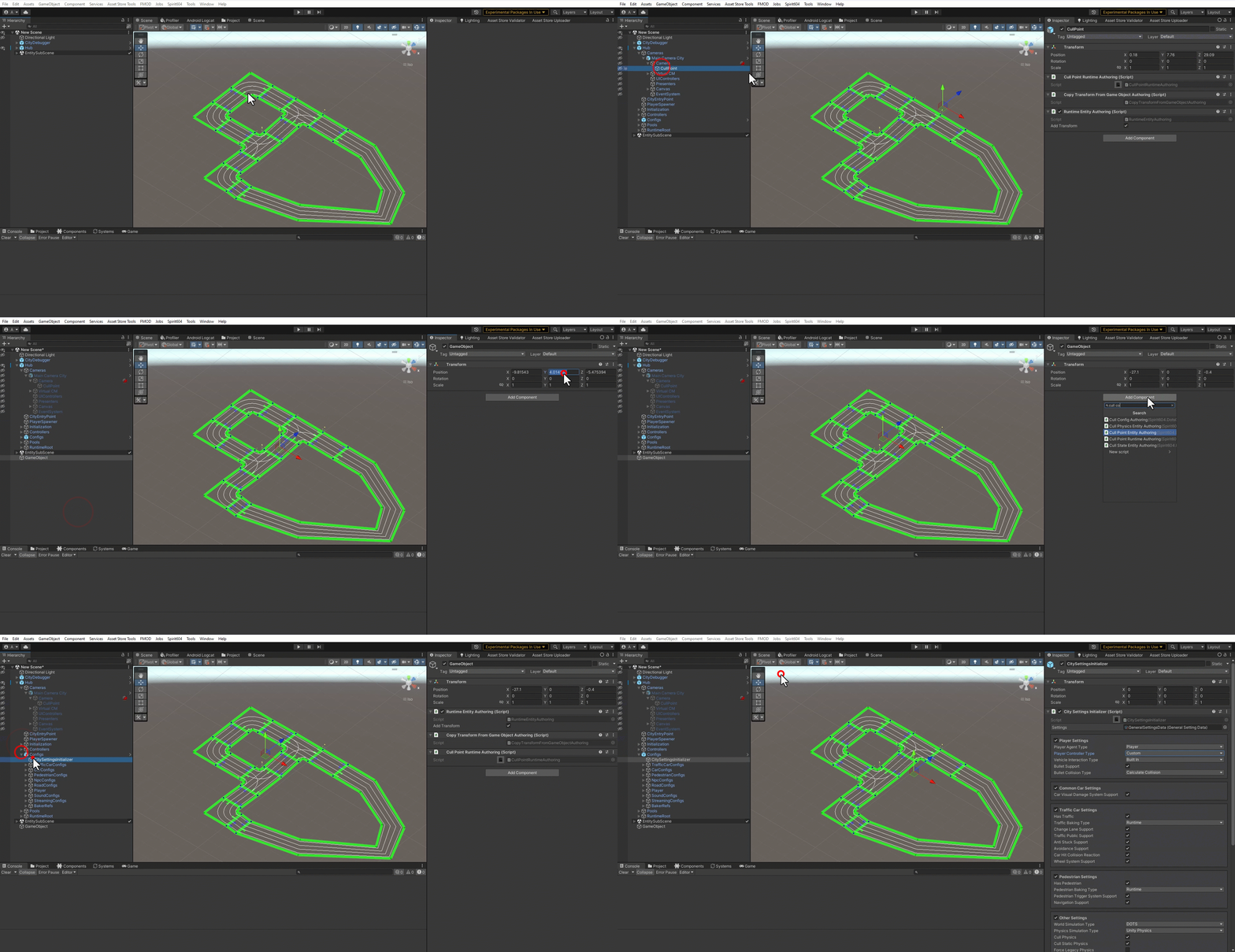
New cull point example.
The next step is to configure Scene