How To Connect Roads
Overview
There are three ways to connect road segments in the scene:
- Force connection
Connecting segments automatically using the Road Parent object. This method connects nodes that face each other and is ideal for tiled grid layouts.
- Manual connection
Manually connecting specific nodes using the Path Creator tool.
- Merge connection
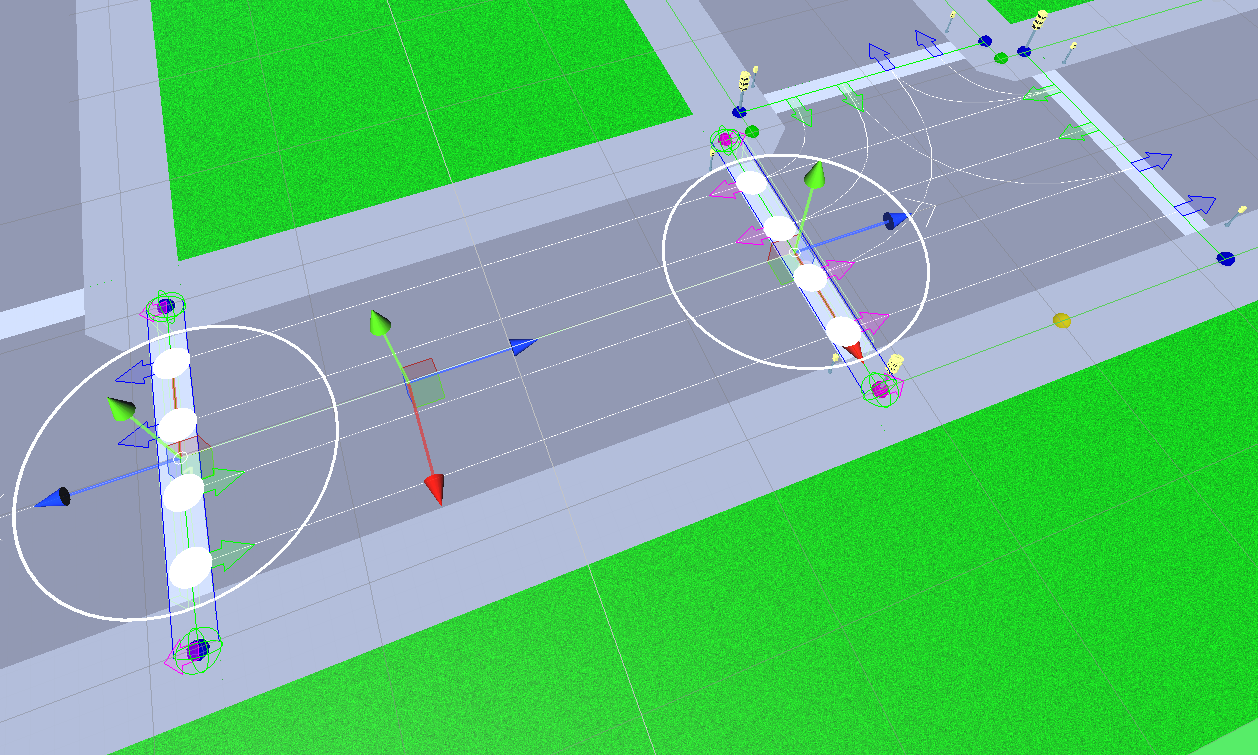
Connecting two segments by dragging their Traffic nodes close to each other, which causes them to merge automatically.
Force Connection
Open the Road Parent component.
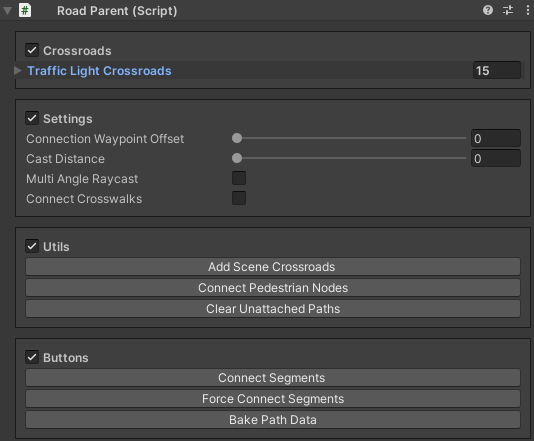
Press the Force connect button to connect segments.
Note
Ensure that adjacent segments are properly aligned and facing each other so their external nodes can detect each other.
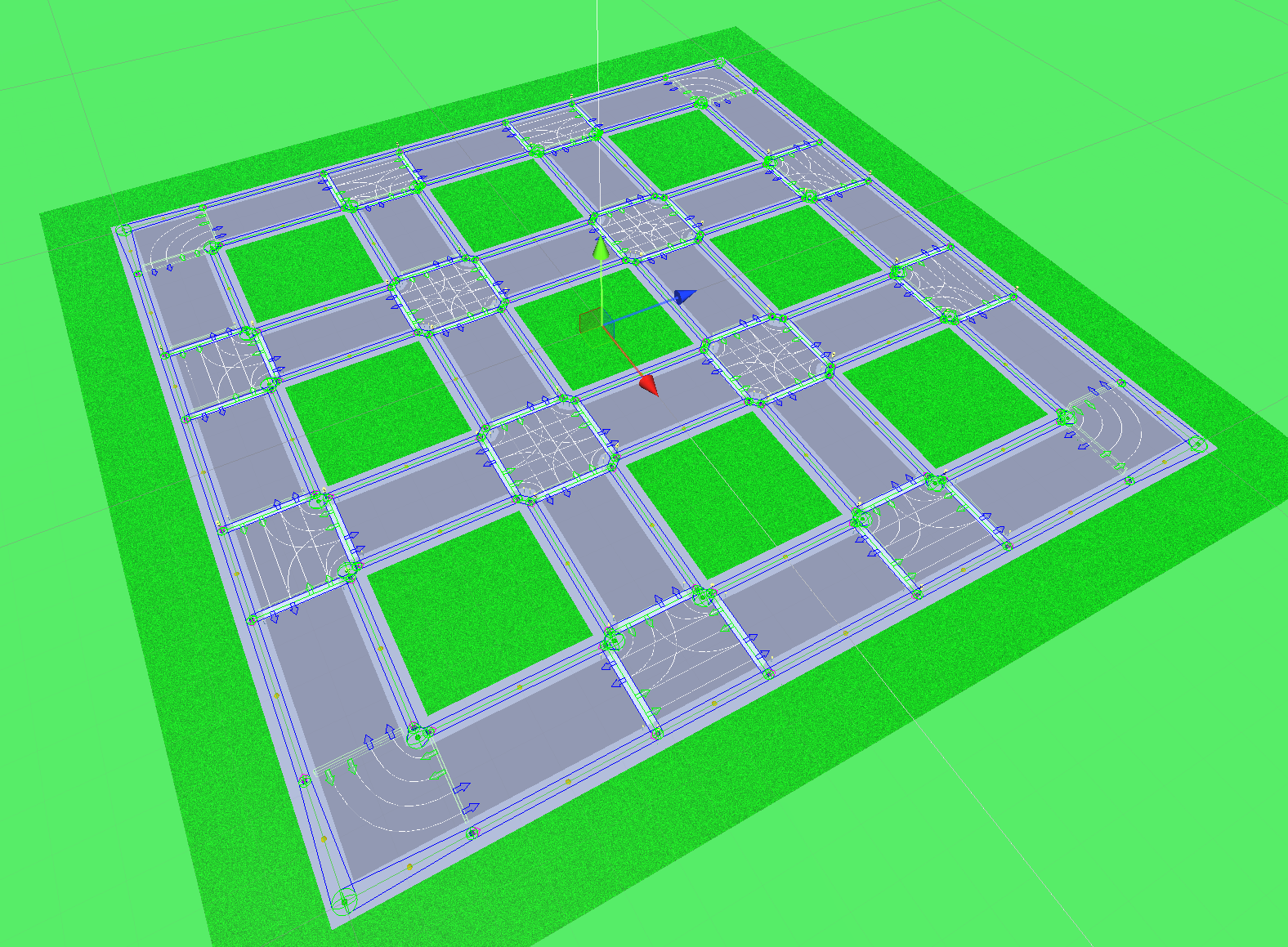
Source segments before connection:
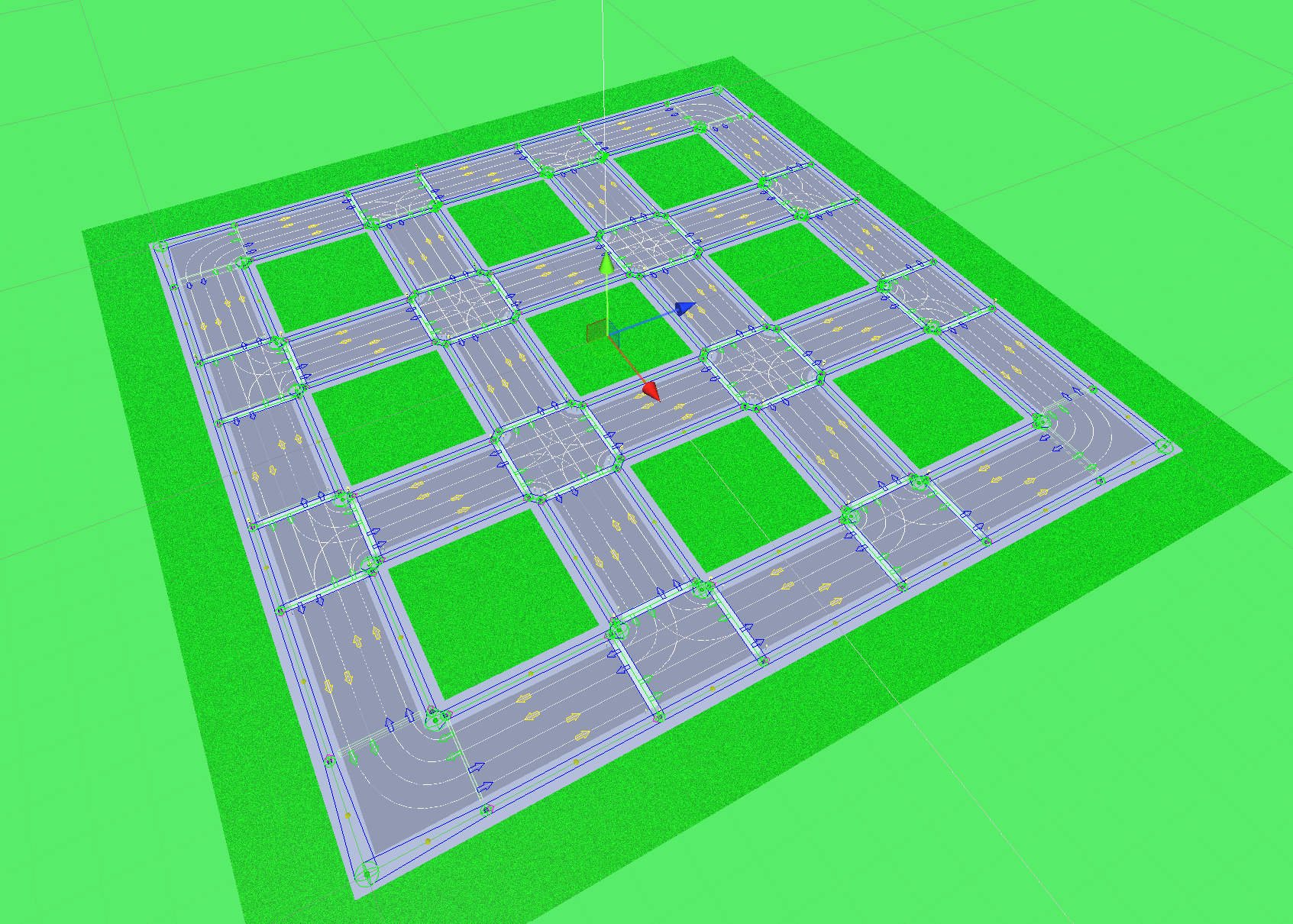
Result after connection:
Manual Connection
Open the Path creator tool.
In the Scene view, select the Traffic nodes that you want to connect.
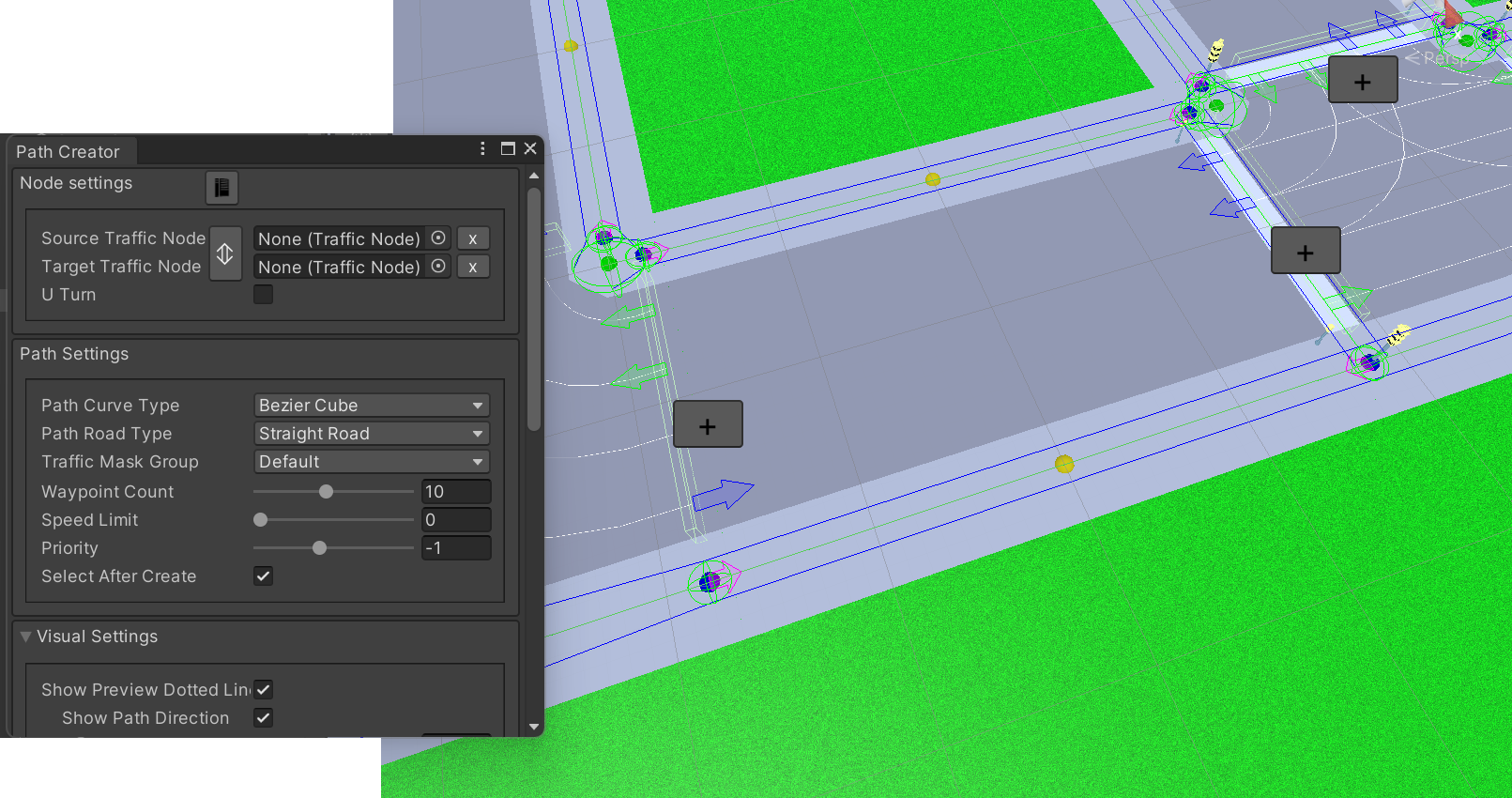
You will see a green preview of the paths that will be created.
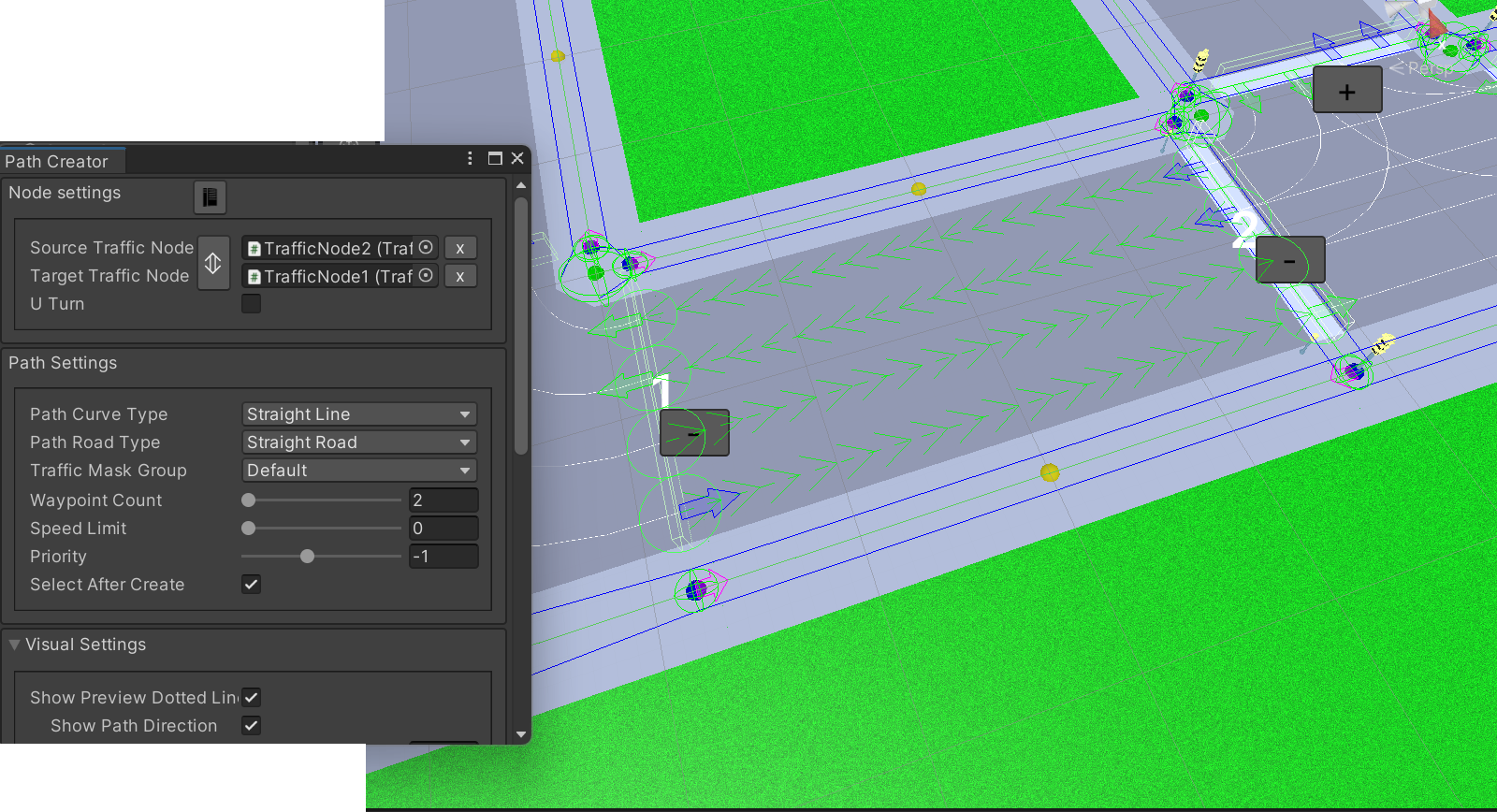
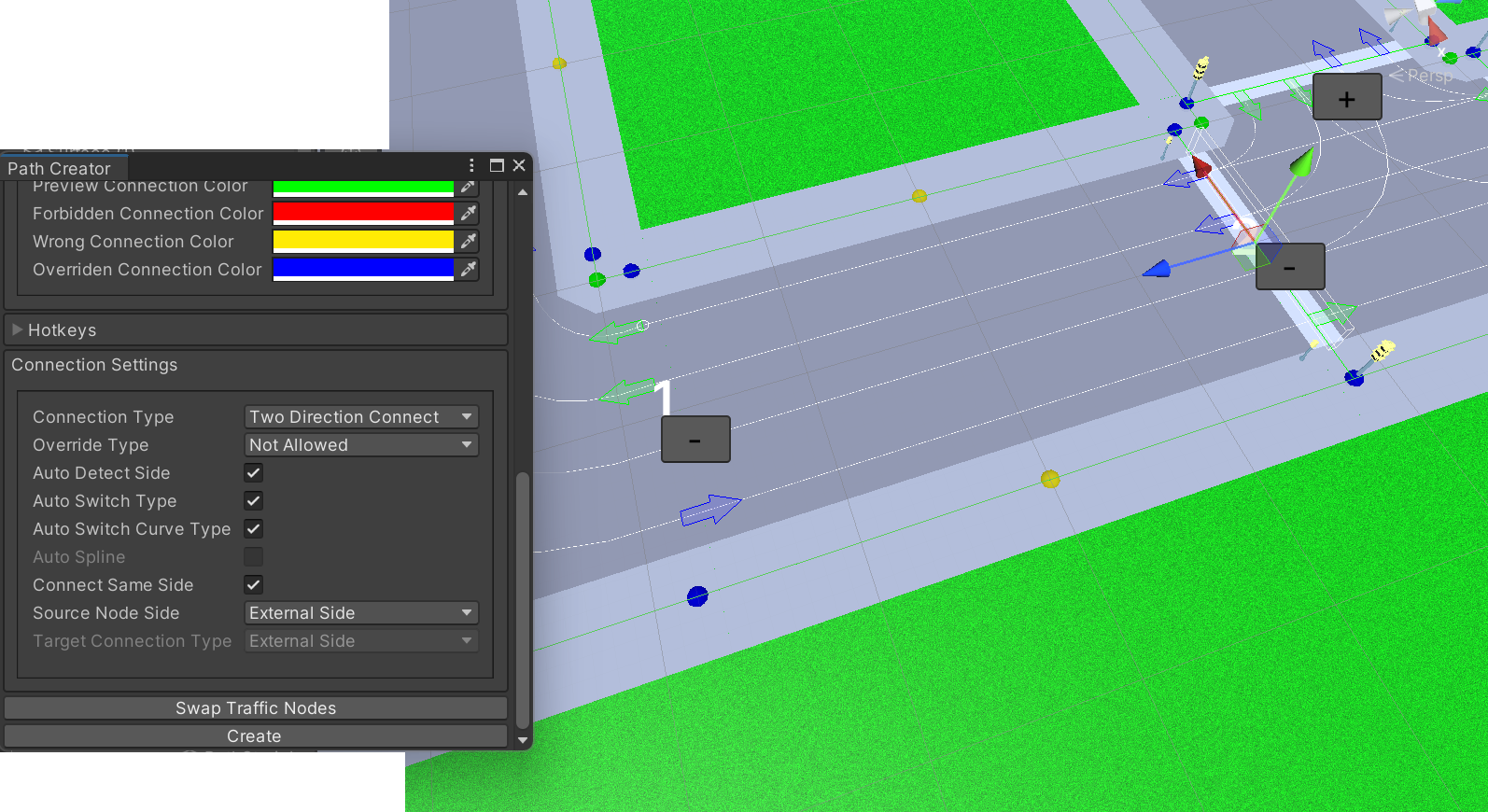
In the Path creator inspector, press the Create button to complete the connection.
Merge Connection
Select the desired road segment in the scene.
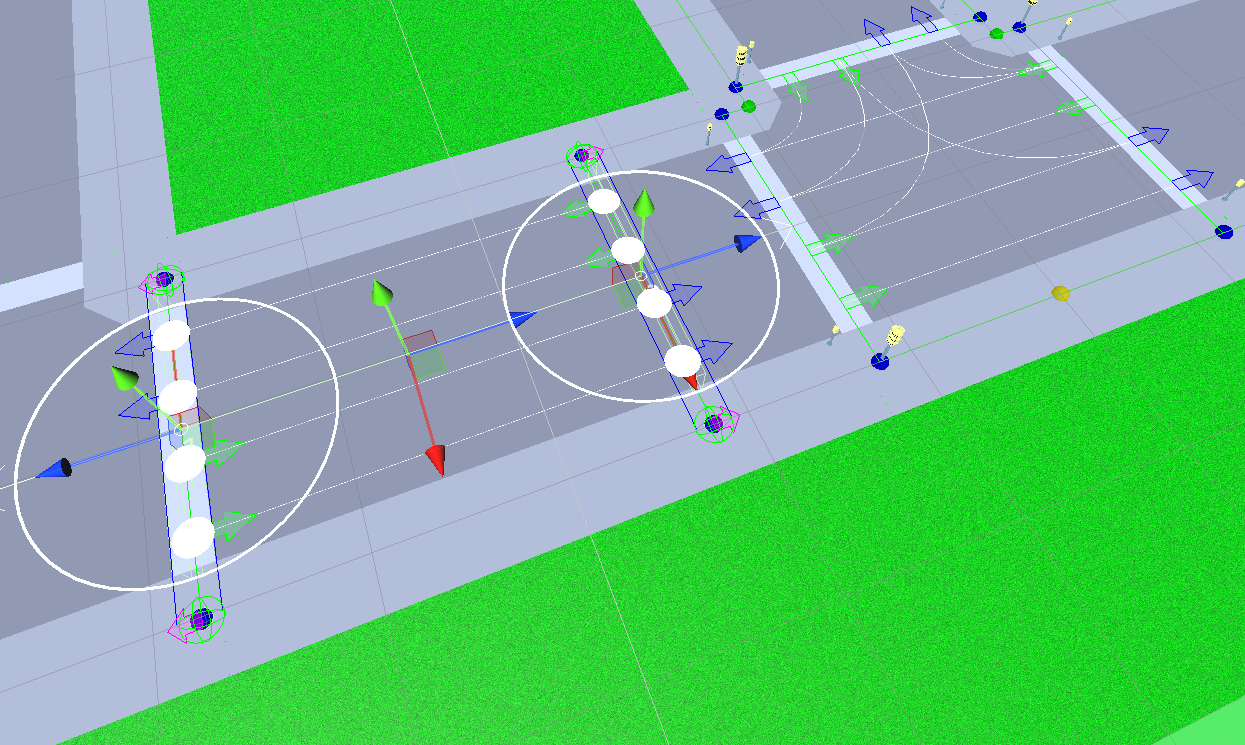
Drag the Traffic node close to another segment’s node. They will automatically merge into a single connection point (purple colour).